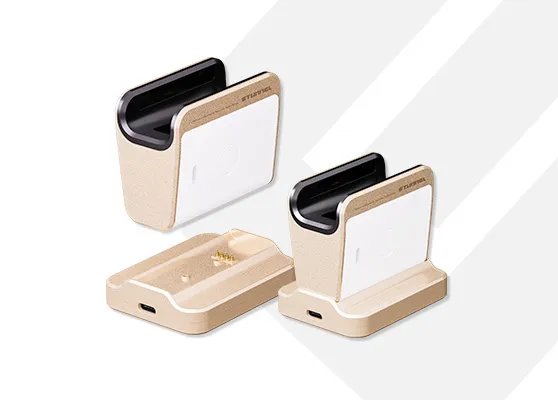
PC Logon Solution
Fast and Secure Biometric-based logon without a password
Revolutionize PC logon with ETUNNEL’s biometric authentication technology. Create a simple and secure password-free environment with our finger vein solution.

ETUNNEL’s PC Logon solution is a password-free biometric logon system
based on finger vein recognition technology.
Eliminates the inconvenience of complex passwords and security threats,
while providing both user convenience and security.
A New Solution That Fills the Gaps in Traditional Authentication
Dependence on Memory
· Users must remember and manage complex passwords themselves.
· It decreases work efficiency due to input mistakes and frequent reset requests.
Security Vulnerabilities
· Passwords can easily be exposed to keylogging, phishing, and social engineering attacks.
· If exposed externally, anyone can gain access, rendering the authentication ineffective.
User Inconvenience
· Regular password change policies cause user stress.
· Reusing the same password across multiple services actually increases the risk.
Unable to Verify Identity
· Passwords alone cannot verify the actual user.
· Proxy logon is possible, making it difficult to trace security accountability.
Unauthorized Access Possible
· If the password is shared, unauthorized users can freely access the system.
· In systems where sensitive information is stored, this can lead to critical security incidents.
Limitations in Auditing
· Activity records are not separated by user, making it difficult to trace histories.
· In the event of an incident, it takes a long time to analyze the cause and identify the responsible party.
The biometric-based PC Logon Solution provides fast and easy logon without the need for passwords, greatly enhancing user convenience. With high-precision authentication through finger vein recognition, it strengthens security levels and completely prevents proxy usage and unauthorized access. Additionally, it improves the efficiency of authentication management, contributing to reduced operational costs.
Enhanced Security
· Finger vein-based authentication prevents unauthorized access by others at the source.
· System security is drastically enhanced with biometric information that is difficult to counterfeit or alter.
Improved Convenience
· Users can logon with finger vein recognition without a password.
· It provides a simple and intuitive user experience without complex authentication procedures.
Management Efficiency
· Authentication history and permissions for each user can be centrally managed in bulk.
· Applying security policies and reflecting changes is simple, reducing operational burden.
Cost Reduction in Operations
· The cost of password loss and reset support is significantly reduced.
· The cost of separate authentication methods, such as physical keys or security cards, is also reduced.
PC Logon Solution
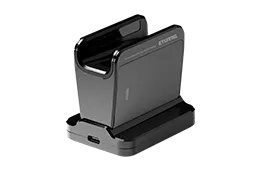
ETUNNEL-PL-101V
Identity verification through finger vein recognition
Learn More →
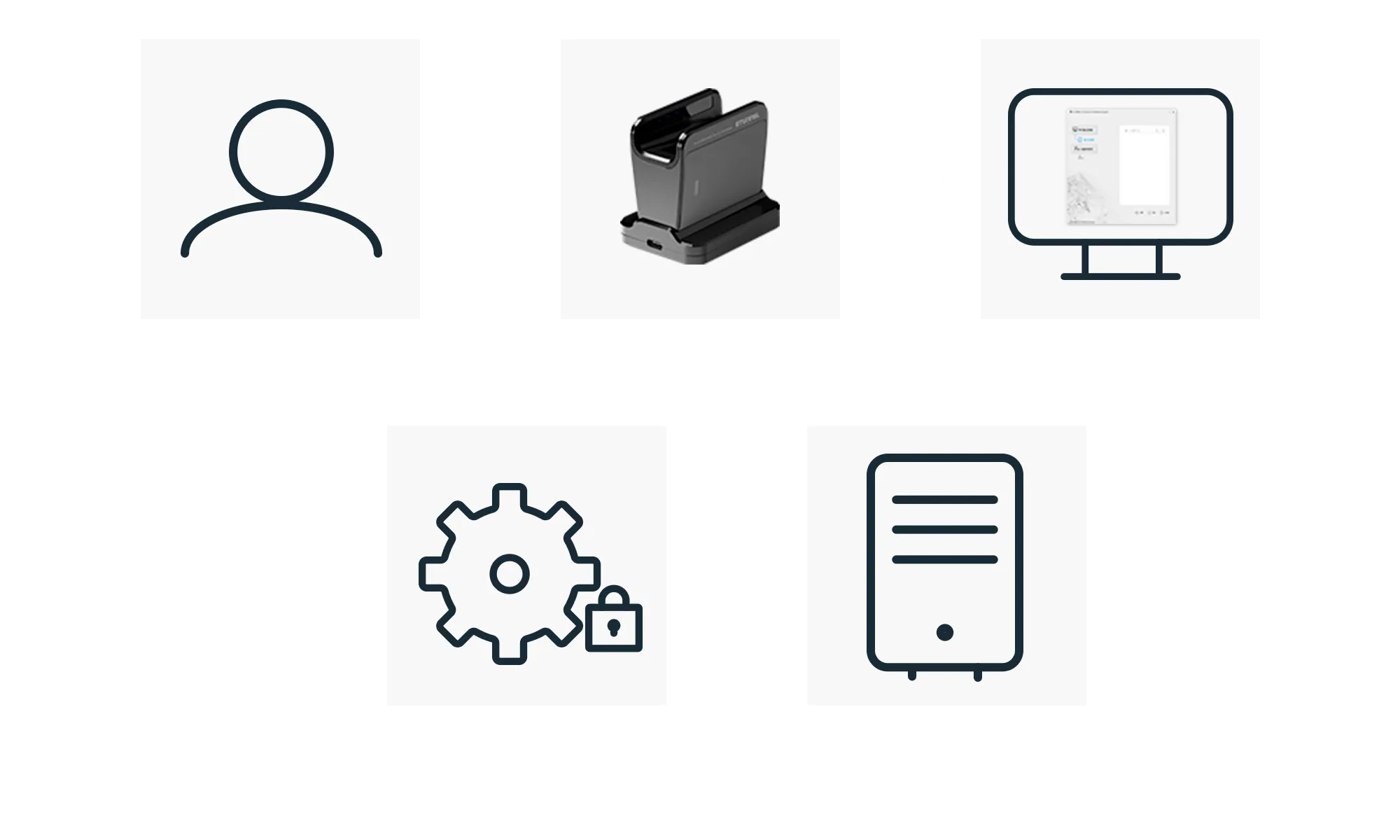
Credential Provider DLL File
Integrated with the Windows lock screen to handle user authentication
System Integration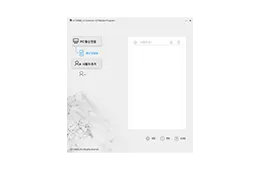
Administrator Program
Software for managing finger vein data
System Integration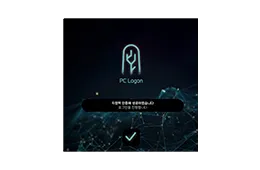
PC Logon Program
Send the finger vein authentication result to the PC
System IntegrationPC Logon Solution Authentication Process
| (ETL_FVMasterProgram.exe) | Function | Function · Overview: Software responsible for managing finger vein data. Access is restricted to system administrators only. |
|---|---|---|
| Register Vein | Finger Vein Registration · Registers user’s finger vein data through the administrator program. · The registered data is encrypted and securely stored. | |
| Modify Vein | Modification · Updates user’s finger vein data through the administrator program. · Re-registers or updates finger vein data in accordance with security policies. | |
| Delete Vein | Deletion · Deletes user’s finger vein data through the administrator program. · Deactivates or removes users’ accounts for security reasons. | |
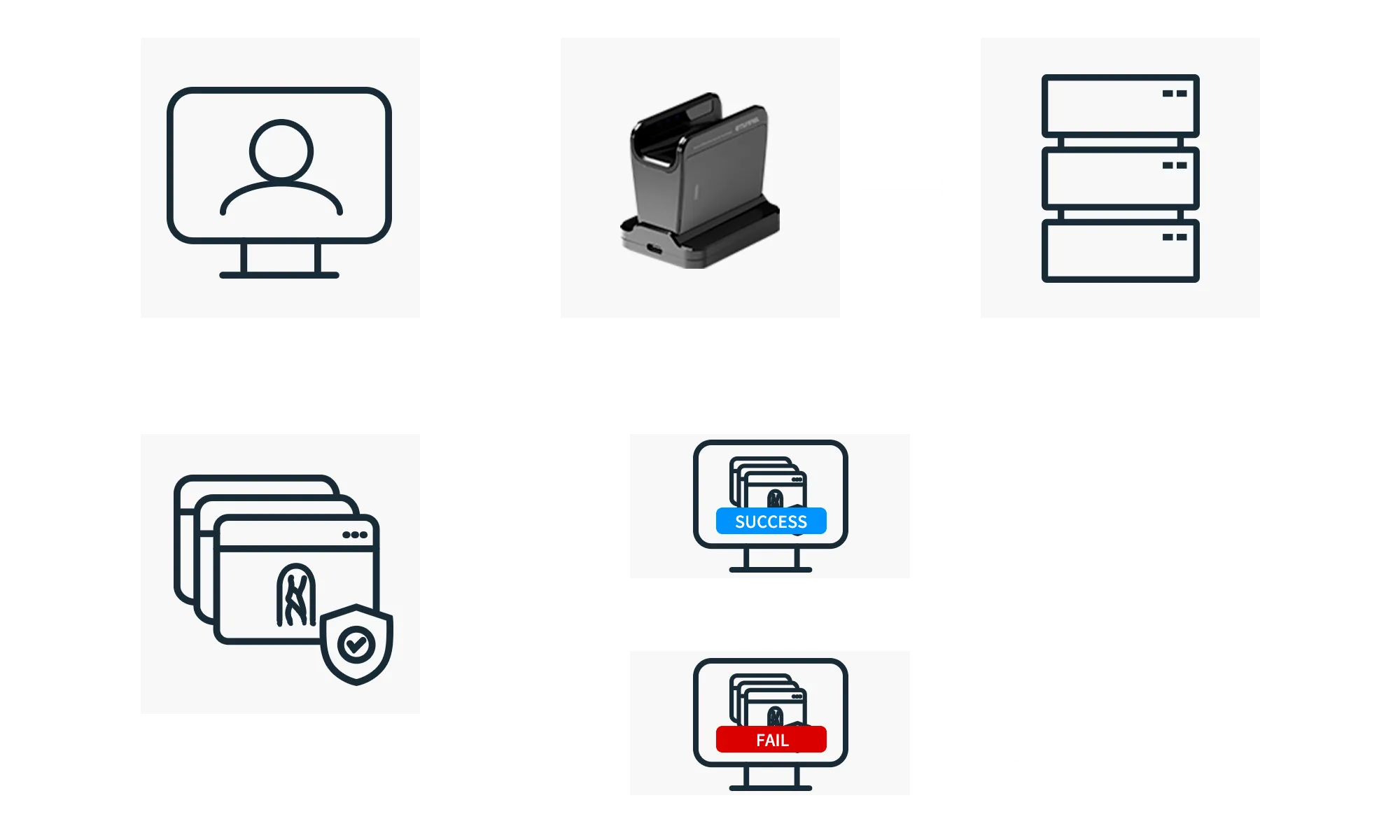
| Credential Provider DLL File | Function | Provides an interface between the Windows operating system and the PC Logon Program. Integrates with the Windows lock screen to process user authentication. |
| Run PC Logon (Lock Screen Active) | PC Logon Program Execution (When Lock Screen is Active) · Integrated with the Windows operating system to perform user logon via finger vein authentication. · Automatically launches the PC Logon Program. | |
| Process Input | User Input Processing · Collects authentication data through the finger vein system DLL and transfers it to the PC Logon Program. · The DLL serves as a data intermediary between the OS and the PC Logon program. | |
| Logon Control | Logon Processing Control · The DLL transmits the authentication result to Windows. · If authentication fails, the DLL displays an error message and blocks logon access. | |
| (PCLogon_EXE.exe) | Function | Delivers finger vein authentication results to the PC. |
| Device Control | Finger Vein Recognition Device Control · The PC Logon program controls the finger vein recognition device. | |
| Process Result | Authentication Result Processing · If authentication is successful, the PC program → Credential Provider DLL → sends the login signals to Windows. | |
| Security & Logs | Security and Log Management · Logs all authentication attempts and results. · Enables auditing and tracking of security issues in case of problems. |
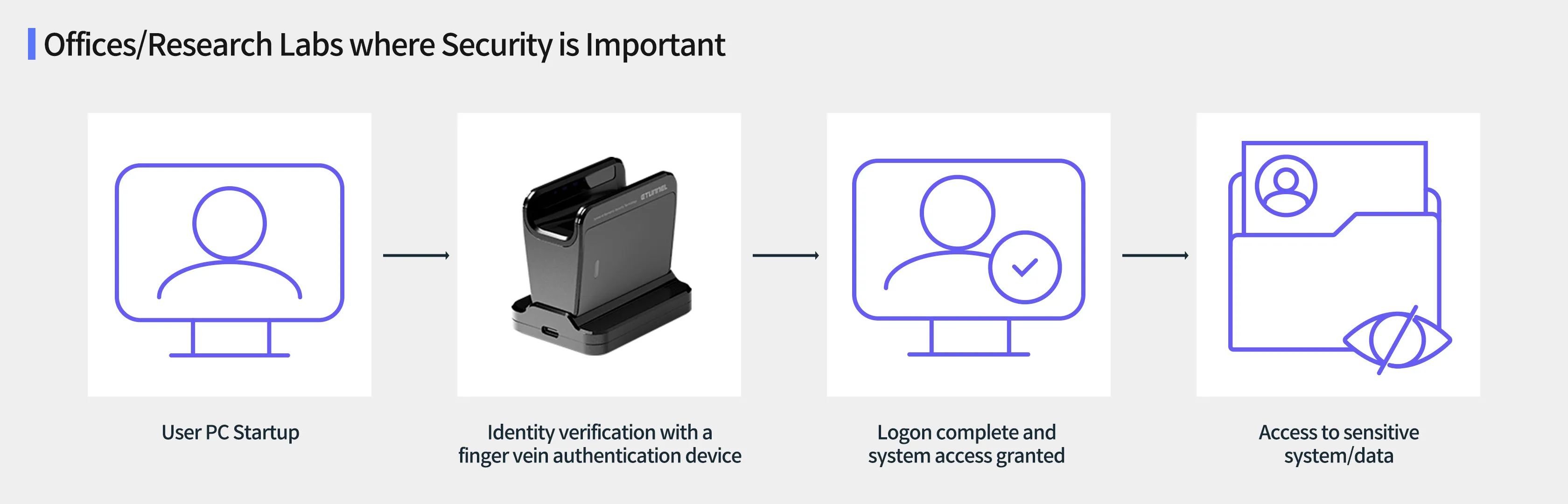
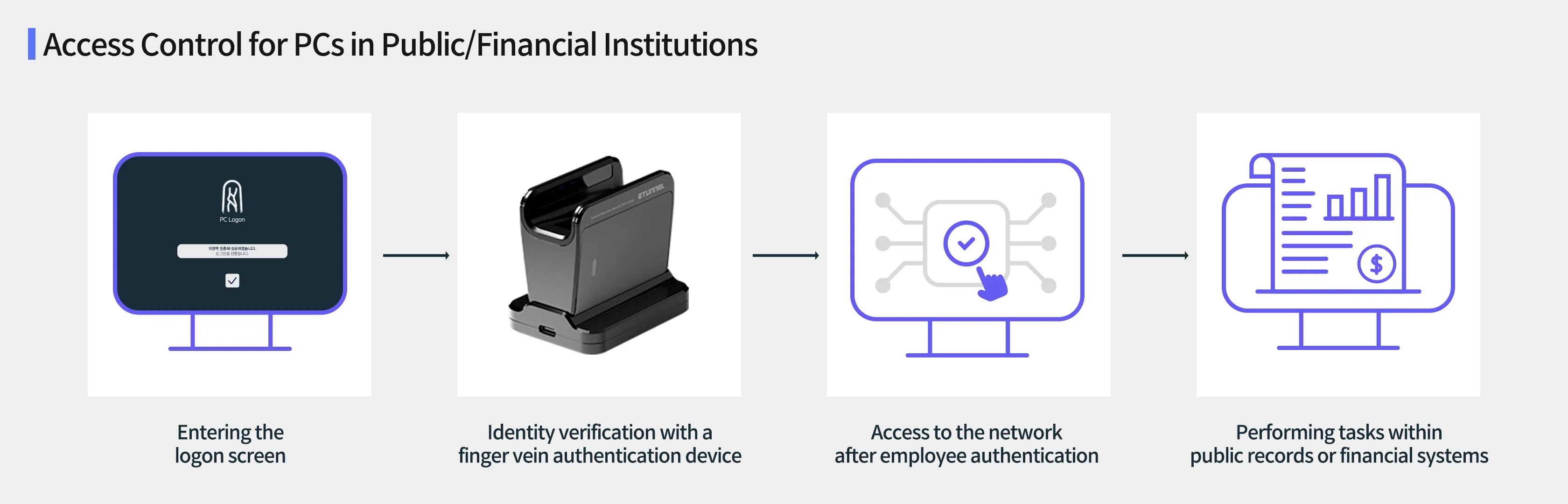
Adaptable to Various Authentication Environments
Core Advantages
Simple Logon without a Password
Quickly logon with biometric information only, enhancing user convenience
Accurate and Counterfeit-proof Authentication
By utilizing the unique finger vein pattern, it fundamentally prevents impersonation or forgery
Improved Logon Speed Increases Work Efficiency
By shortening repetitive logon procedures, it increases focus on work
Enhanced Security Control through User-Specific Access Control
It strengthens internal security by restricting system access based on user permissions